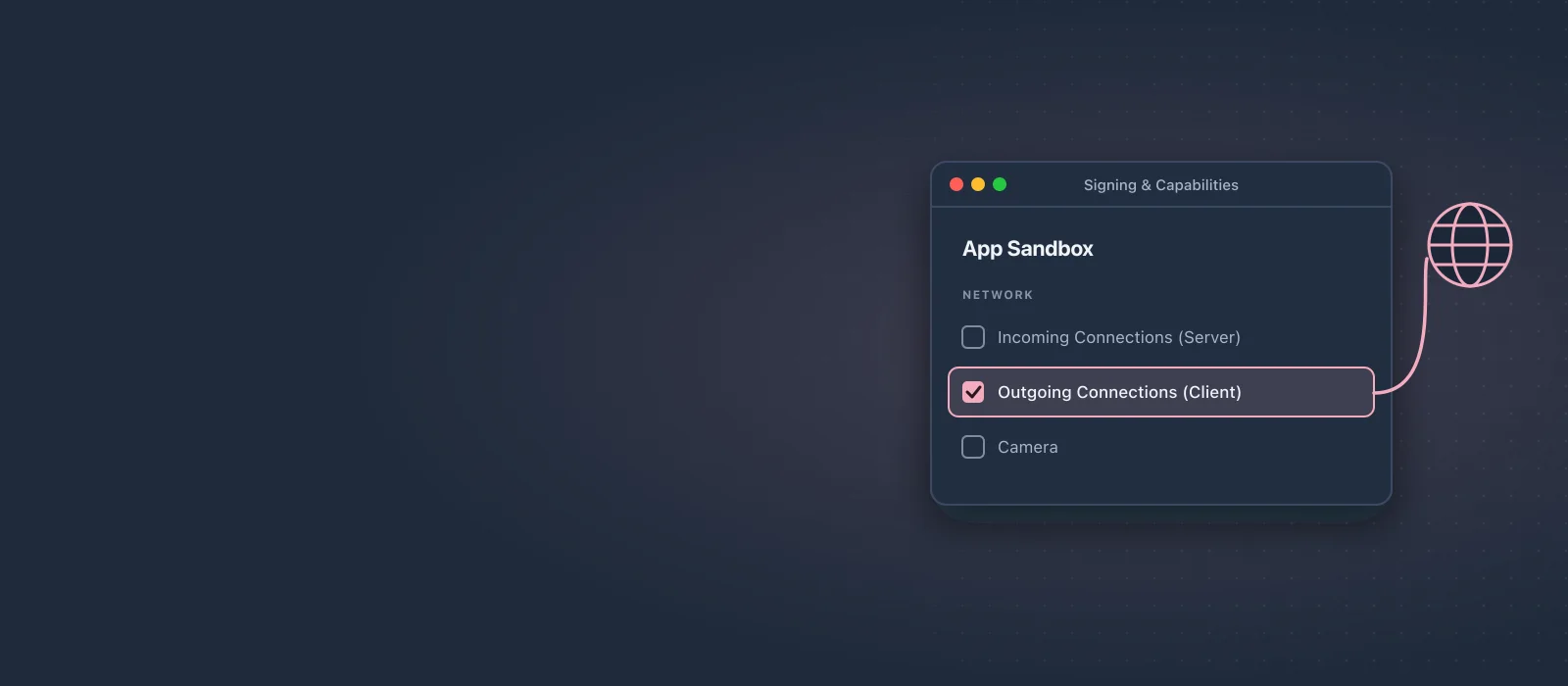
When you create a new macOS project and try to make a network request you will notice it won't work right away. Let's fix that!
The Problem
When you try to make a network request you will see an error message in the console. Something like:
- A server with the specified hostname could not be found.
- networkd_settings_read_from_file Sandbox is preventing this process from reading networkd settings file at “/Library/Preferences/com.apple.networkd.plist”, please add an exception.
The Solution
Select your blue project file in Xcode. Then on the right make sure you selected your project name under "Targets" and go to "Signing & Capabilities". Finally under App Sandbox check "Outgoing Connections".
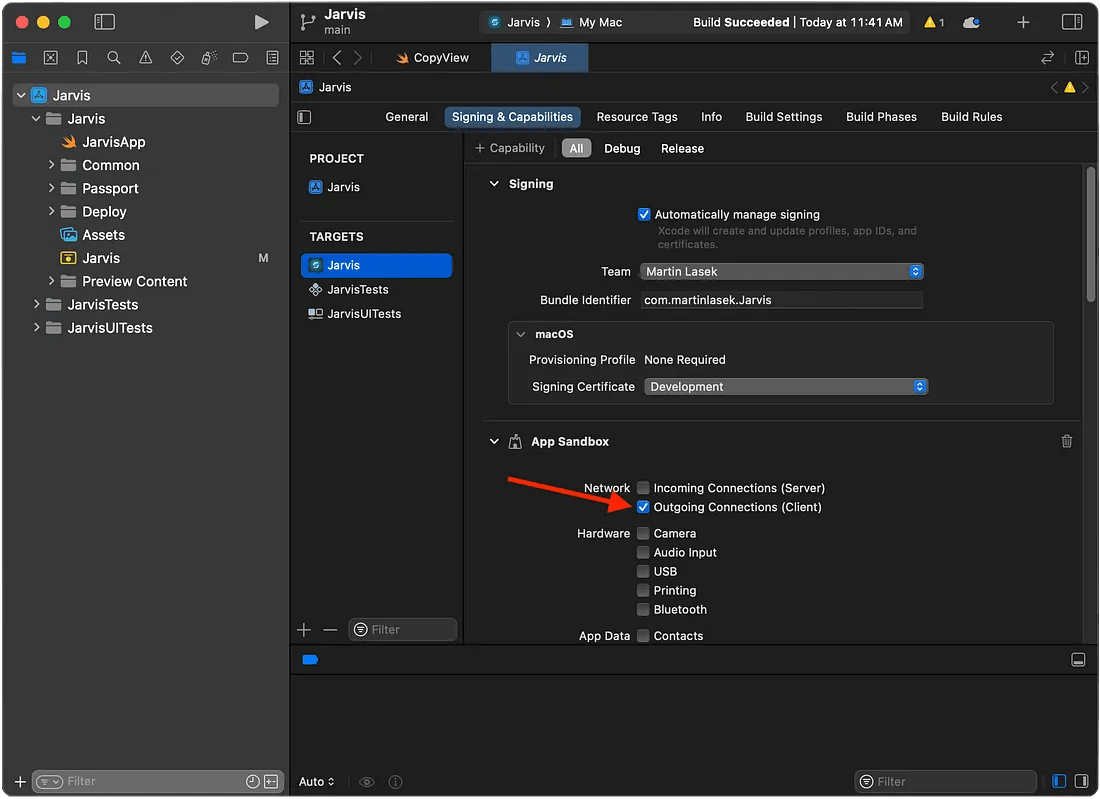
That’s it! Run the app again and try your network request, it should work now.
I hope you found it useful! If you have any suggestions or feedback, let me know. I’d love to hear from you!